 Project Controls 360
From two days to seconds: automated monthly reporting from P6
On FIDIC EPC projects, every monthly progress report meant exporting from Primavera P6, pasting into Excel and rebuilding the charts. A Power BI model now reads the P6 XER files directly and rebuilds the whole report on refresh.
~2 daysof manual work per reporting cycle before
1 folderwhere each month's XER files are dropped
0copy-paste steps in the monthly routine
FIDICEPC projects: data centres, oil & gas, energy
The problem
Each reporting cycle took about two days of manual work, and longer when more projects were running: export layouts from P6, paste them into Excel, recalculate progress and earned value, rebuild the S-curves and format the report.
Because the steps were manual, every month carried the risk of a wrong range, an old filter or a broken formula, and the time went into building the report instead of reading it.
Approach
- Read P6 data at the source. A reusable Power Query function parses the XER file into proper tables (activities, WBS, relationships, resources) without any export layouts.
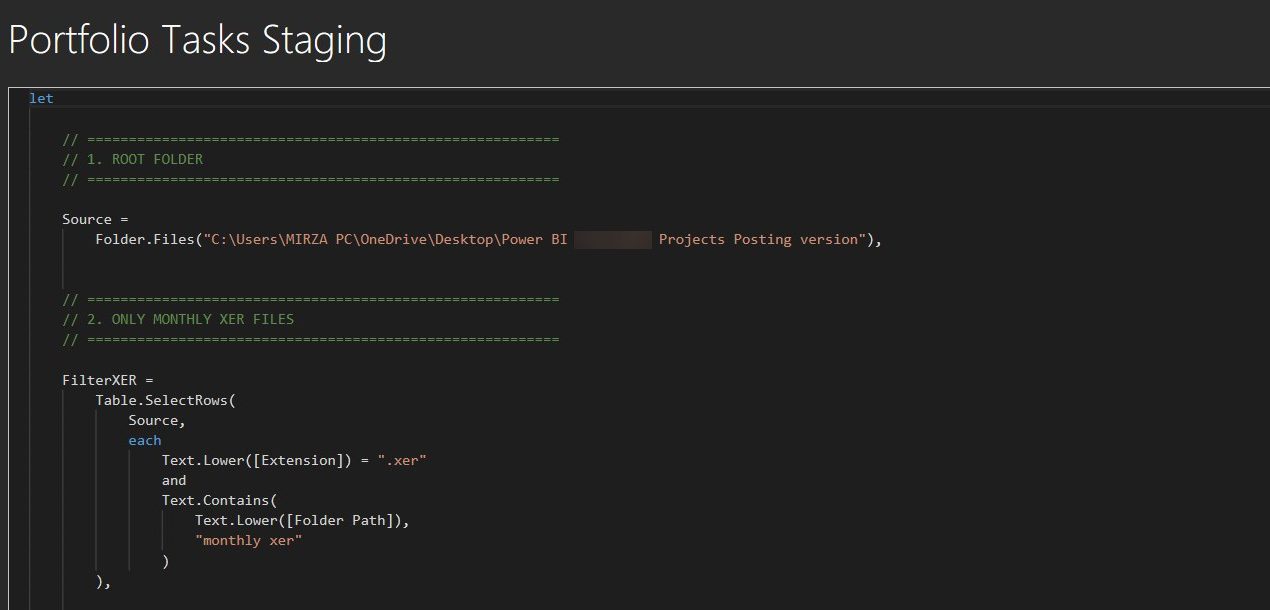
- Load every update from one folder. The query picks up every monthly XER in the folder, identifies the project and data date, and stacks the updates into one model.
- Calculate once, in the model. Planned value, earned value, actual cost, SPI, CPI, percent complete and forecast finish are DAX measures, so every page uses the same numbers.
- Build the report pages once. S-curves, KPI cards, look-ahead and variance pages update by themselves when the next XER arrives.
Walkthrough
Result
The monthly routine is now: drop the new XER files in the folder and press refresh. Two days of report building became seconds.
- The same calculations every month, with no copy-paste errors.
- Time moves from building the report to explaining it: why progress is behind and what to do about it.
- The same model scales from one project to a multi-project portfolio.